Can Excel Copilot Handle Your Finance Data? See What Gets Right (and Wrong).
I've been teaching Excel for 30 years, and here's the reason why most people struggle: Excel has so many paths and powerful tools that it can be hard to know which ones to use to analyze your data. Copilot is changing that, making it easier for all users to get more insights from their data, but only when you know how to use it correctly.
In almost every Excel class I teach, someone asks: "How do I know which feature (or formula or process) to use?" This is one of the most common questions regardless of whether your a beginner or advanced-level user because Excel has hundreds of tools for working with data. It would be impossible to memorize them all. In the past, the critical skills that we teach start with figuring out the right questions. Then, you need to know how to choose a good path, implement it, and verify that the answer makes sense. Even with Copilot, all of that still applies.
Copilot will not replace the need to understand Excel, and it will not always get everything right on the first try. But it can help you explore options, spot patterns, summarize information, and uncover the story your numbers are trying to tell. As I've taught this to thousands of professionals, the best part is seeing their excitement when they reach the ah-ha moments faster and realize that they can make decisions with more confidence.
Think of Copilot as an incredibly fast assistant, not an all-knowing expert. It can build formulas, summarize data, answer questions, and suggest next steps. But you still need enough Excel knowledge to ask useful questions and verify the results.
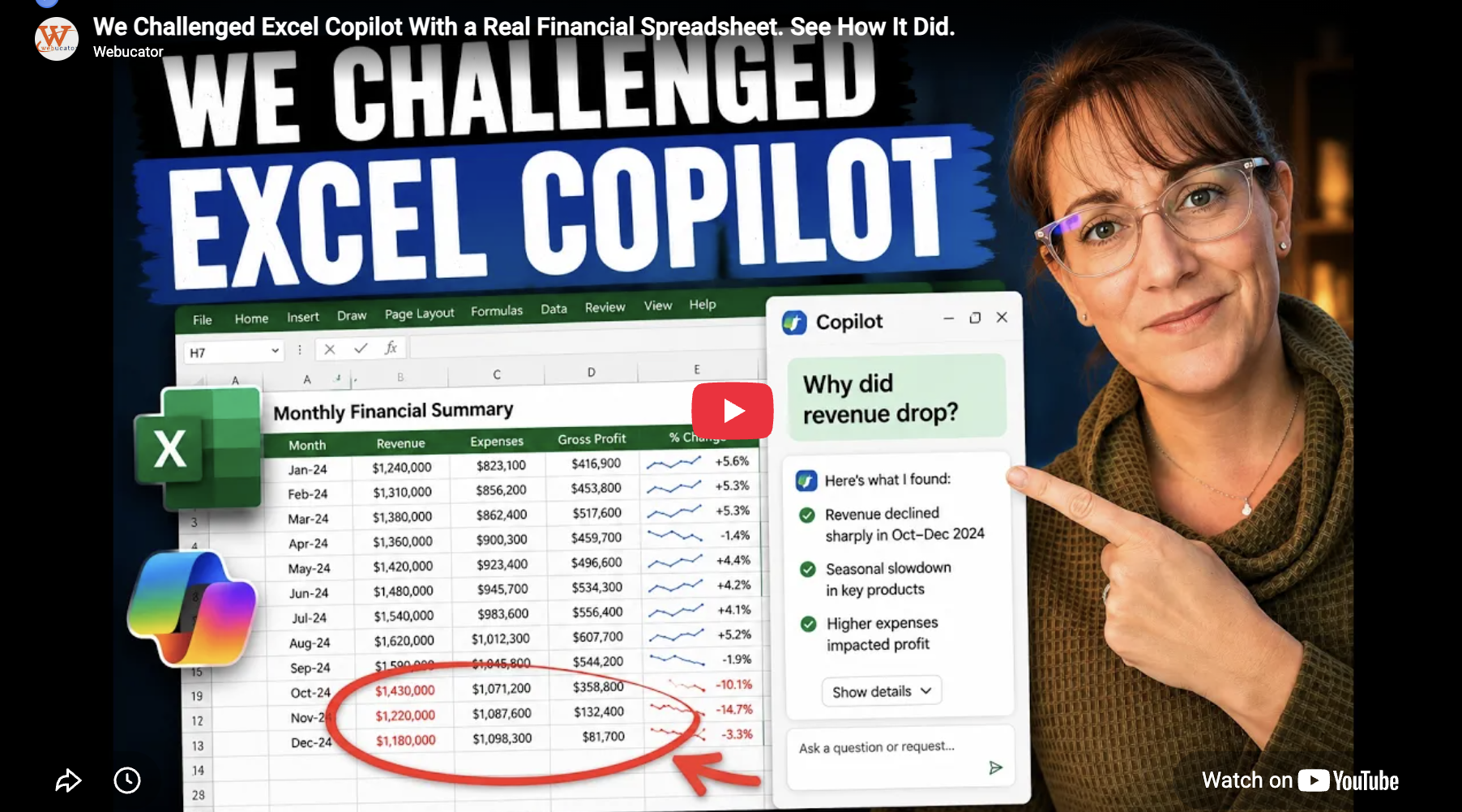
To show how this works, I created a video using the same type of financial spreadsheet that data professionals bring to my class. I asked Copilot to complete practical Excel tasks. Then I explained how it helps, when it needs better prompting, and why a human still needs to review the answer. In the video, you'll see how to use Copilot to:
- Create a monthly summary
- Check data quality
- Explain why revenue dropped
- Identify where money is being lost
- Forecast future performance
- Fix Excel formula errors
- Use prompting techniques that produce better results
- What happens when Copilot makes a mistake and how to avoid errors
My live classes take a similar approach and are always shaped around the real spreadsheets and business problems that you bring to class. If you have a specific goal you want to achieve or problem you are trying to navigate, we can work through it together in my live classes. See the classes and sign up here.
I hope you enjoy my 16-minute video putting Copilot in Excel to work and showing you how better prompts, careful review, and a little Excel knowledge can lead to stronger business insights: https://youtu.be/1iKl6KP8U1I?si=aVqgDtIqym7bnKlk
Master Excel Copilot with Tracy! Sign up for a public class or schedule a private session:
1. Webinar: Master Excel with Microsoft Copilot (1 Hour) A fast introduction to using Copilot to analyze data, create formulas, identify trends, clean data, build PivotTables and charts, and perform forecasting. Click to register.
2. Copilot for Excel and Power Platform (3 Hours) A deeper, hands-on course covering Excel Copilot plus Power Automate and Power BI. Students learn how to prepare data, analyze information with Copilot, create columns, frame data, and automate business processes. Click to register.